
Getting Started with Culteva™
In Part 3 of our Getting Started series, we covered how to register and organise your evaluation samples.
With your samples in place, the next step is to decide what you want to evaluate. This is where evaluation protocols come in.
What is an evaluation protocol?
An evaluation protocol is a predefined set of characteristics and measurements used to assess plant material.
Think of it as a checklist that guides your evaluation. Rather than displaying every possible observation or measurement, a protocol focuses on those relevant to a particular assessment.
For example, you might use different protocols to evaluate:
- Flowering and phenology: Tracking flowering dates and stages of plant development.
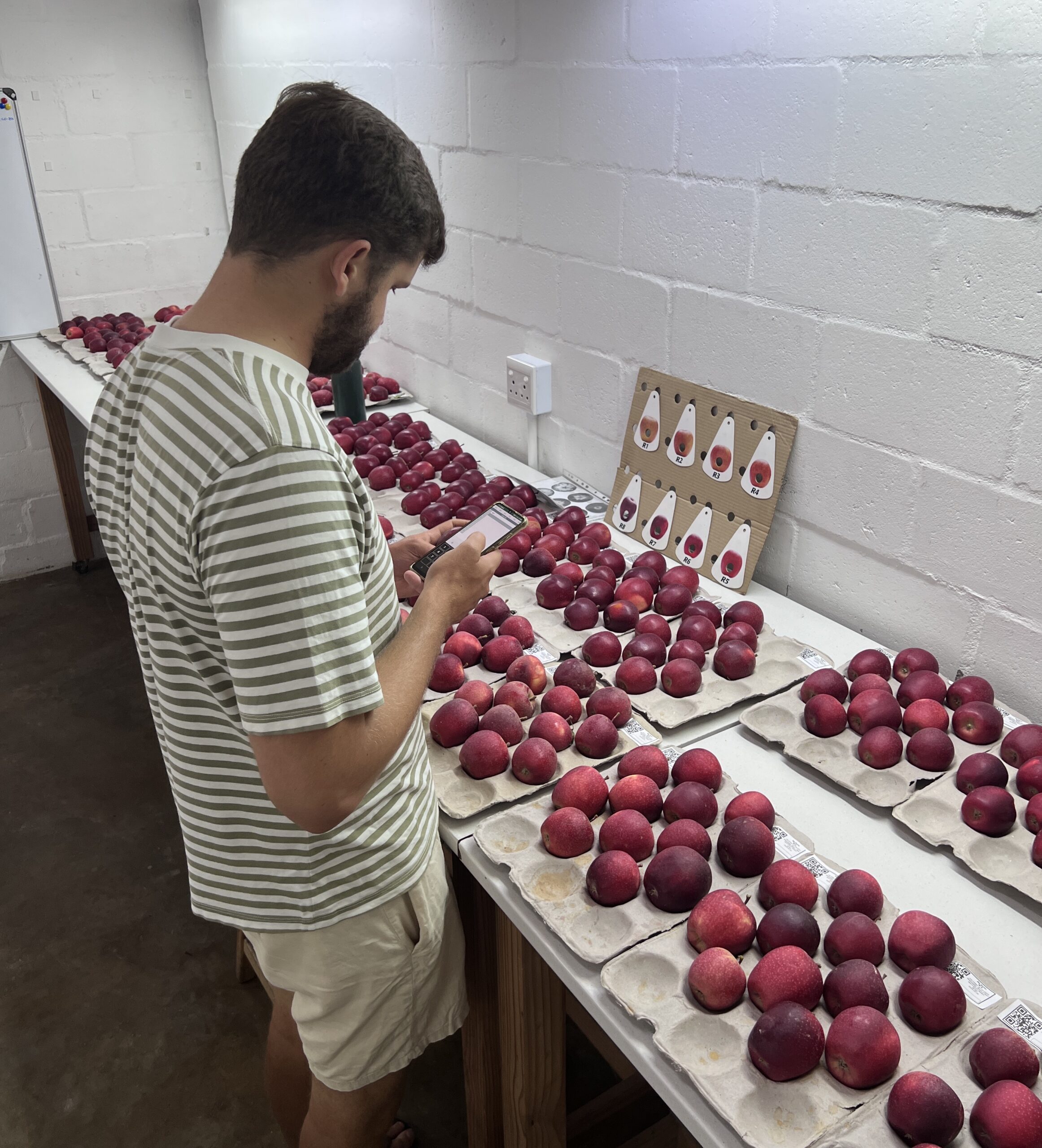
- Harvest quality: Assessing fruit size, colour, firmness and maturity.
- Post-harvest performance: Monitoring fruit quality and condition during storage.
- Sensory quality: Evaluating attributes such as flavour, texture and appearance.
Using consistent protocols helps standardise data collection. This makes results more reliable and easier to compare across evaluators, sites and seasons.
Understanding characteristics and measurements
Before selecting a protocol, it helps to understand two important terms used throughout Culteva™.
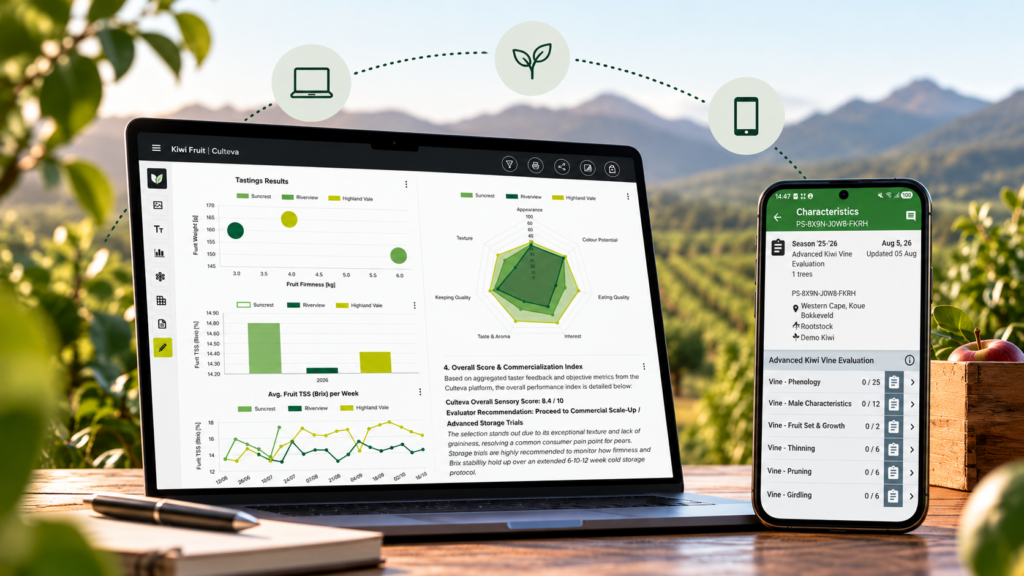
Characteristics describe or score an observable attribute of the plant or fruit. Examples include flowering intensity, fruit colour, disease symptoms or eating quality.
Measurements record numerical values obtained through measurement. Examples include fruit weight, diameter, firmness and soluble solids content (°Brix).
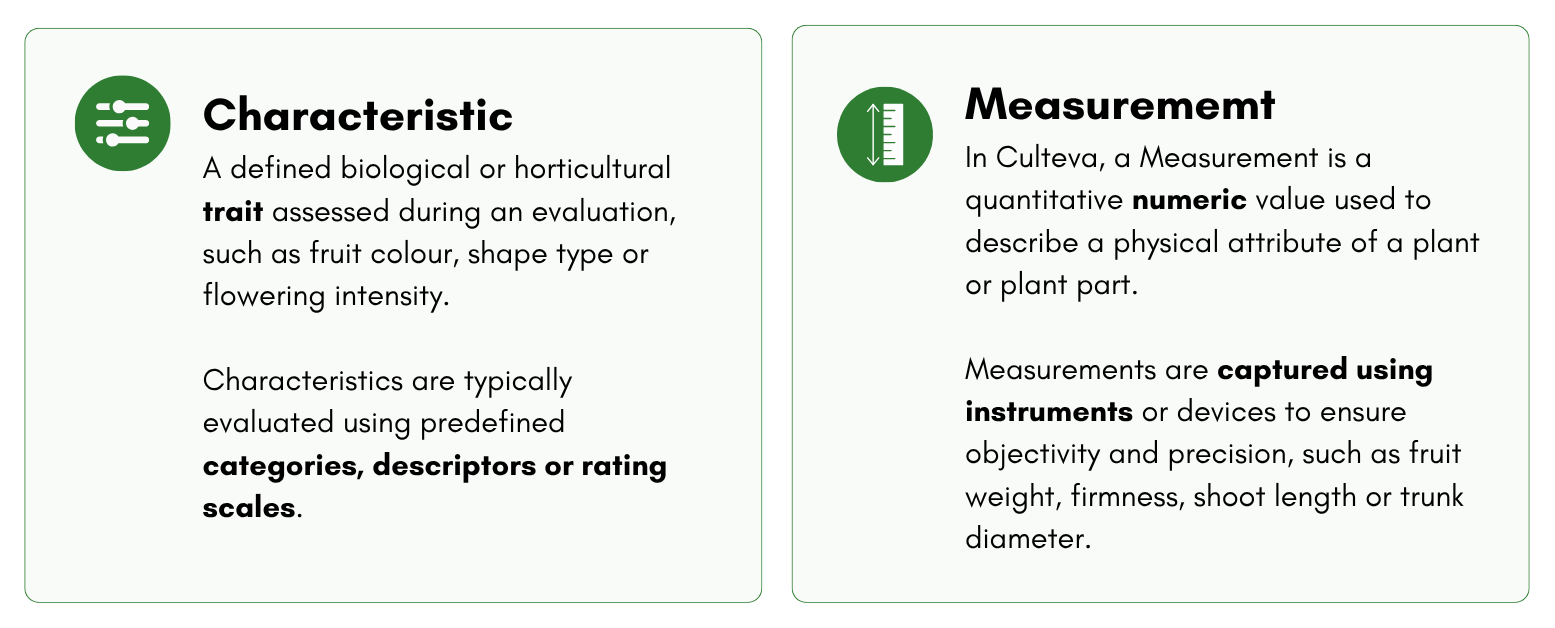
Both are important components of cultivar evaluation. Together, they allow evaluators to capture descriptive observations and measurable data.
Choosing or creating an evaluation protocol
Culteva™ provides existing evaluation protocols, but you can also create your own.
Option 1: Use an existing protocol
Select a protocol from those already available in Culteva™.
These protocols contain predefined characteristics and measurements, allowing you to begin evaluating without creating a new protocol from scratch.
Option 2: Create a custom protocol
If your evaluation requires a different set of criteria, you can create a protocol tailored to your needs.
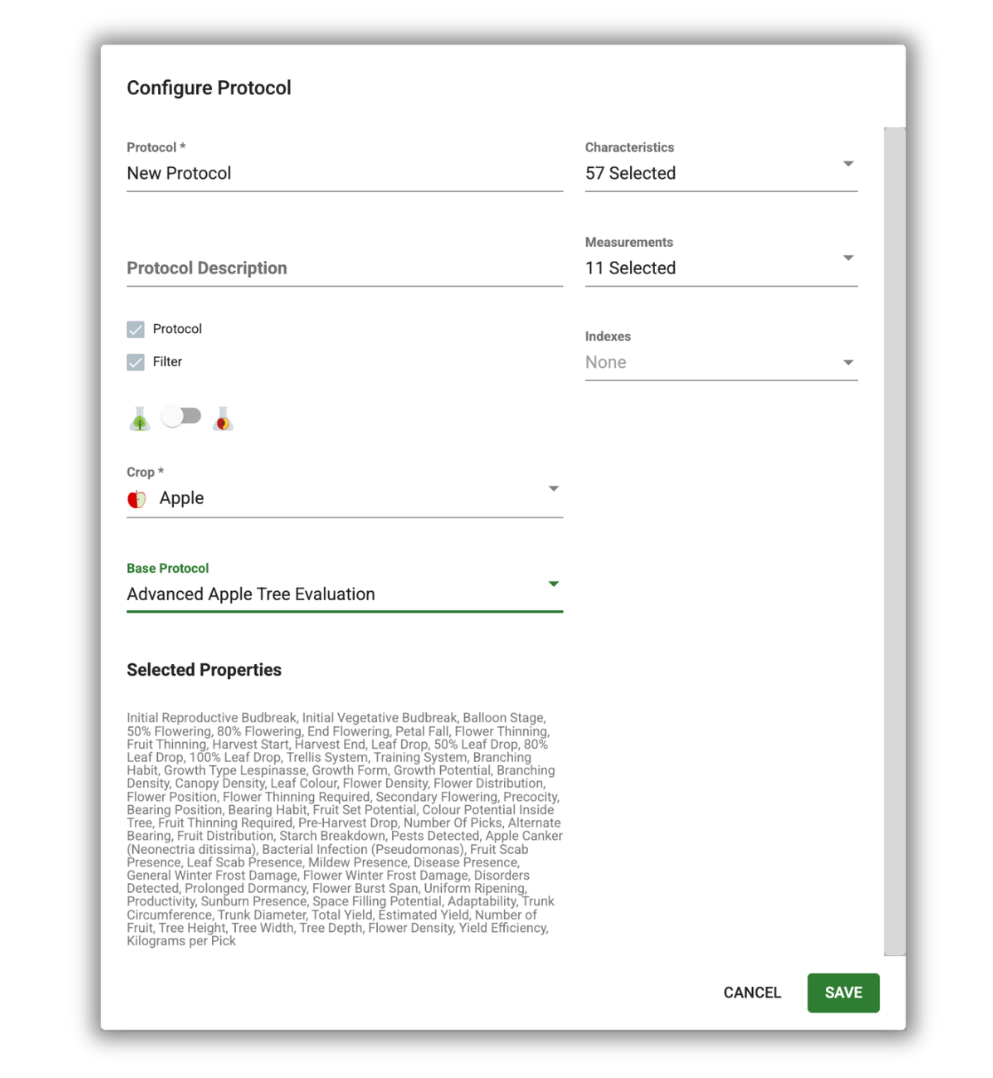
To create a custom protocol:
- Navigate to the Protocols section of your Web Dashboard.
- Select Add Protocol.
- Enter a name and short description.
- Select the relevant crop and sample type.
- Choose the characteristics and measurements you want to include.
- Save your protocol.
Your new protocol will be available for use within your organisation.
Custom protocols allow your team to use consistent evaluation criteria while accommodating the needs of different crops, trials or research programmes.
If you need characteristics or measurements that are not yet available in Culteva™, contact our team for assistance.
Using protocol filters
Culteva™ also allows you to use custom protocols as filters in the mobile application.
For example, your overall evaluation protocol may cover an entire growing season. However, during flowering, you may only need to record a few specific observations.
A protocol filter lets you focus on those relevant characteristics and measurements without displaying the full evaluation protocol.
This can make field and lab evaluations quicker and easier to manage.
Storage protocols for post-harvest evaluations
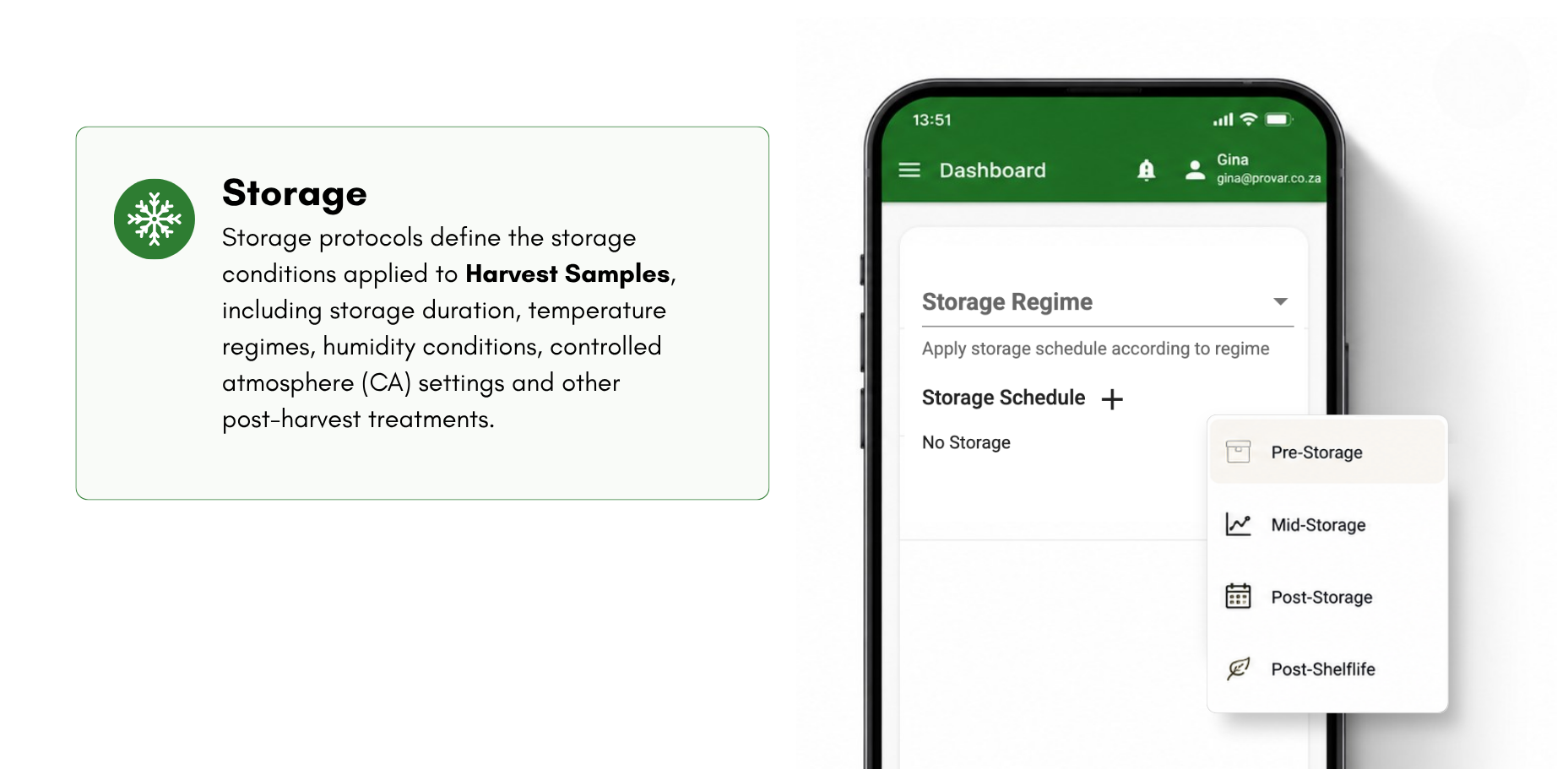
Culteva™ also supports Storage Protocols, which define the conditions applied to Harvest Samples during storage.
Depending on your evaluation, these may include:
- Storage duration and temperature
- Relative humidity
- Controlled atmosphere (CA) conditions
- Other post-harvest storage treatments
Storage Protocols help document the conditions under which fruit is stored. This provides important context when interpreting post-harvest evaluation results.
They complement your evaluation protocols by recording how harvested fruit is handled and stored.
What’s next? Creating your first evaluation
With your samples registered and evaluation protocols selected, you are ready to begin collecting data.
In the next article, we will explain how to create your first evaluation and start recording observations using Culteva™.
Continue to Part 5: Creating Your First Evaluation →

Gina is Sales and Marketing Manager at Provar and leads market-facing communication and commercial engagement for the Culteva platform. Her role focuses on positioning Culteva clearly and credibly within the evaluation software landscape, translating product capabilities and evaluation methodology into accessible narratives for industry audiences. Alongside this, she contributes to Provar’s editorial and brand outputs, with a strong emphasis on clarity, consistency and long-term credibility.