Getting Started with Culteva™
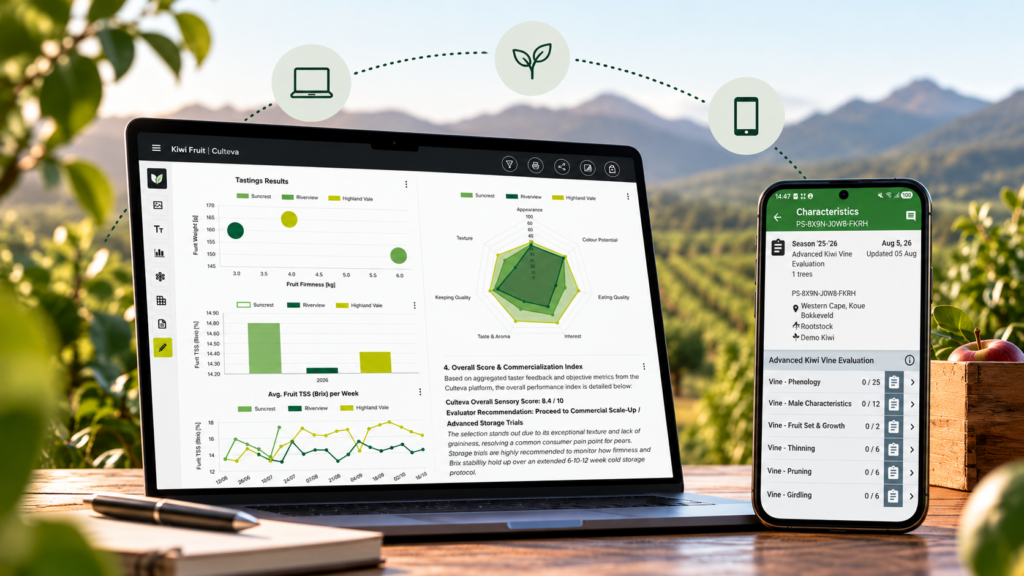

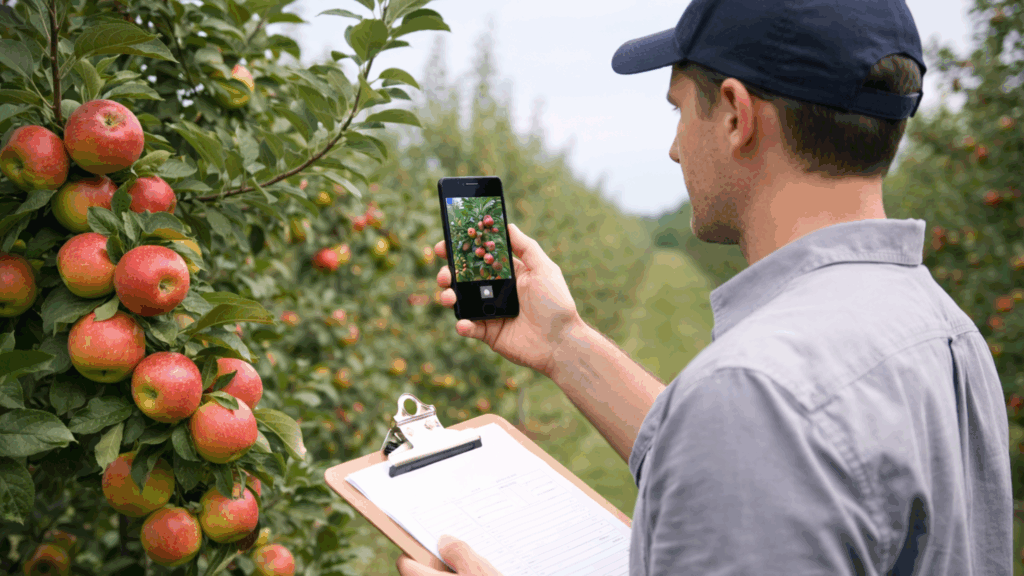
Welcome to Culteva™! If you have completed a demonstration and registered your account, you should now have access to your organisation within the platform.
You can log in to the Culteva™ Web Dashboard using your own credentials.
Before you begin collecting evaluation data, there are two important steps: registering your cultivars and setting up your evaluation sites.
These form the foundation of your evaluation records and help keep your data organised, consistent and ready for reporting.
Your organisation, your data
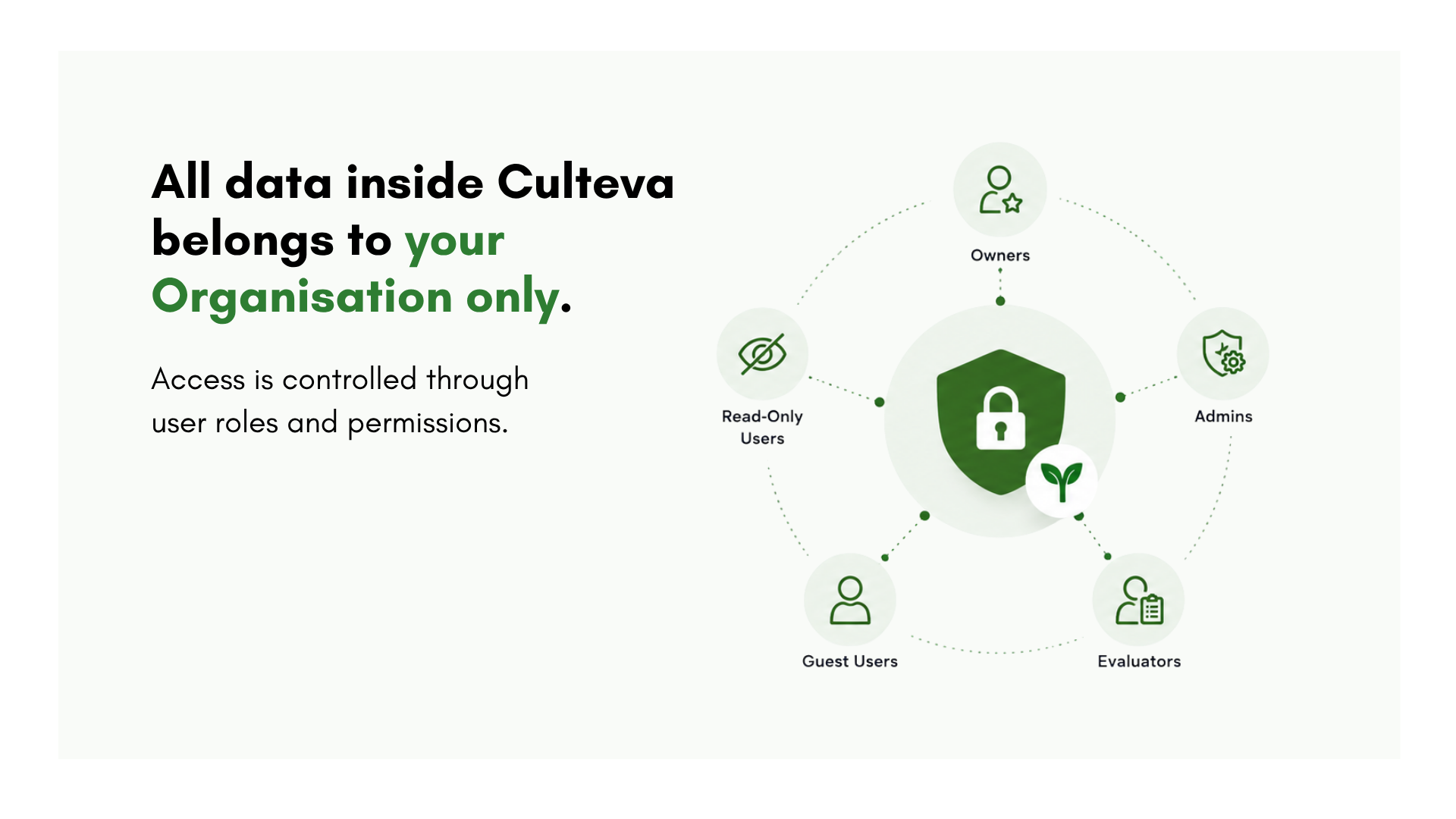
Each organisation within Culteva™ has its own data and user access permissions.
All data captured in Culteva™ remains the property of your organisation. This includes your cultivar information, evaluation records, measurements, photographs and reports.
Data ownership and governance are formalised through a Software as a Service (SaaS) agreement. The platform also uses secure infrastructure, daily backups and role-based access controls to protect your information.
Your organisation retains ownership of its data throughout its use of Culteva™.
Step 1: Register your cultivars
The first step is to create your Cultivar Library.
In Culteva™, a cultivar represents the genetic material being evaluated. This could be a commercial variety, breeding selection, clone, mutation or other distinct plant material.
Every evaluation sample in Culteva™ is linked to a registered cultivar.
Registering a cultivar creates a central record for that plant material. As evaluations progress, the associated measurements, photographs and observations remain linked to this record.
What information can you record?
A cultivar record can include:
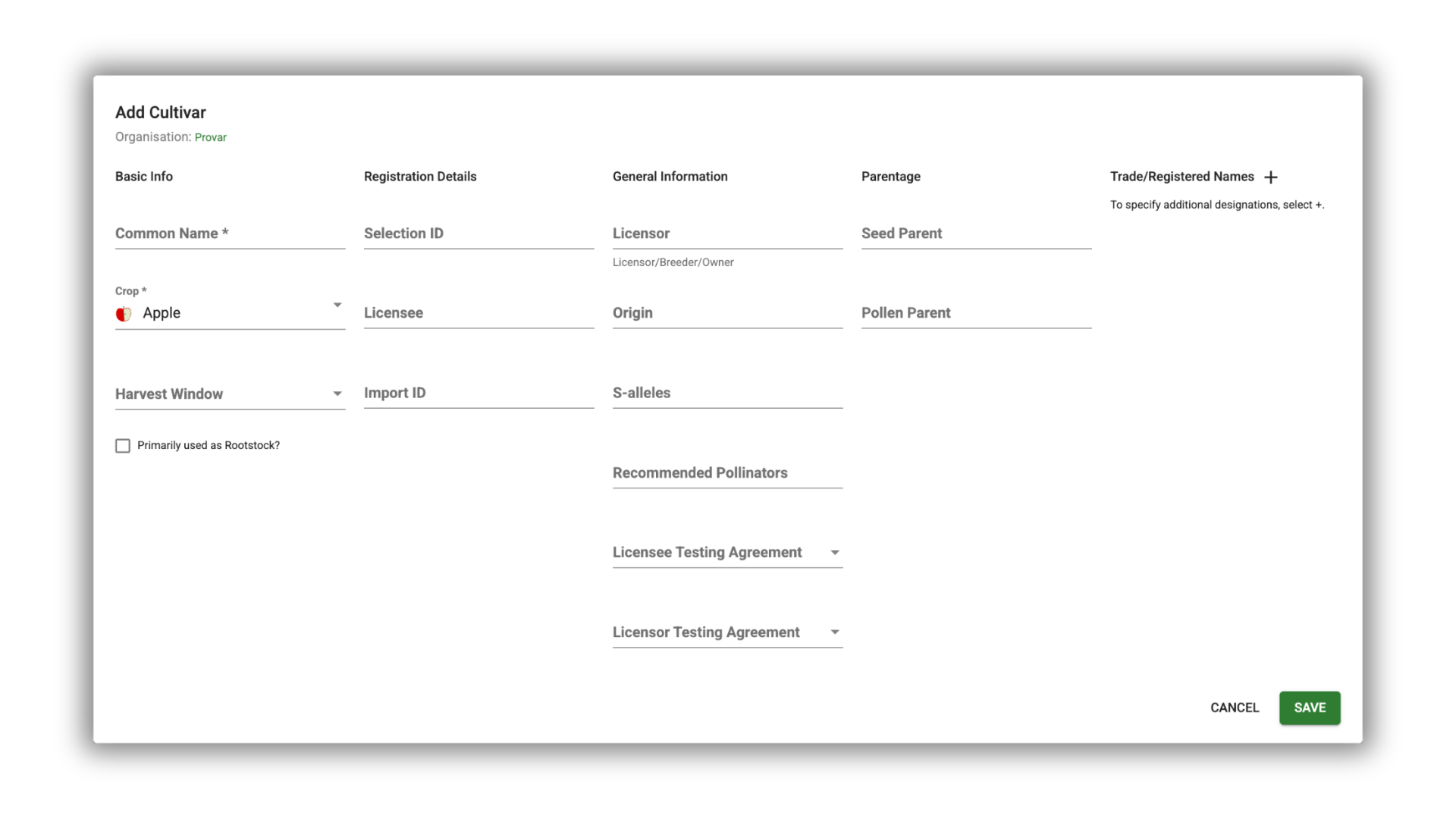
- Common names and breeding selection identifiers
- Parentage and breeding information
- Country or region of origin
- Trade names and licensing details
- Rootstock information and pollinators
You do not need to have every detail available when registering a cultivar. Start with the information you have and add further details as needed.
How to add cultivars
There are two ways to populate your Cultivar Library.
Option 1: Register cultivars individually
Use the cultivar registration form in the Web Dashboard to add cultivars one at a time.
Option 2: Import cultivars in bulk
If you already maintain cultivar records in Excel, you can import multiple cultivars using our standard Excel templates.
Our team can help you prepare your existing data and import it into Culteva™. Simply contact us for assistance.
Step 2: Register your evaluation sites
The second important reference library is Sites.
Sites describe the physical locations where your evaluations take place. They provide the environmental and geographical context needed to interpret cultivar performance.
What information can you record?
Depending on your evaluation programme, site records can include:
- Farm, orchard or evaluation block
- Geographical location and region
- GPS coordinates and altitude
- Planting distances and spacing
- Other relevant site information
Why is site information important?
Accurate site records allow you to evaluate cultivar performance in different growing conditions.
For example, you may want to compare how a cultivar performs across regions, orchards, climates or planting systems.
Site information can also support calculations in your reports. Plant spacing, for example, can be used when calculating yield per hectare.
By recording these details from the beginning, you establish a consistent foundation for future comparisons.
What’s next? Setting up your evaluation samples
Once your Cultivar Library and Sites have been set up, you are ready to start registering evaluation samples.
Samples connect your registered plant material to the evaluations you want to perform. They form the basis for collecting measurements, observations and photographs.
Continue to Part 3: Setting Up Your Evaluation Samples →

Gina is Sales and Marketing Manager at Provar and leads market-facing communication and commercial engagement for the Culteva platform. Her role focuses on positioning Culteva clearly and credibly within the evaluation software landscape, translating product capabilities and evaluation methodology into accessible narratives for industry audiences. Alongside this, she contributes to Provar’s editorial and brand outputs, with a strong emphasis on clarity, consistency and long-term credibility.