

Getting Started with Culteva™
In Part 2 of our Getting Started series, we covered how to register cultivars and evaluation sites in Culteva™. With these reference libraries in place, you are ready for the next step: creating your evaluation samples.
Samples are central to how Culteva™ organises evaluation data. They identify the plant material being assessed and connect it to a specific location, harvest or tasting event.
This guide explains the three types of samples and how to register them.
Understanding the three types of samples
Culteva™ supports three sample types: Plant Samples, Harvest Samples and Tasting Samples. Each serves a different purpose within the evaluation process.
1. Plant Samples
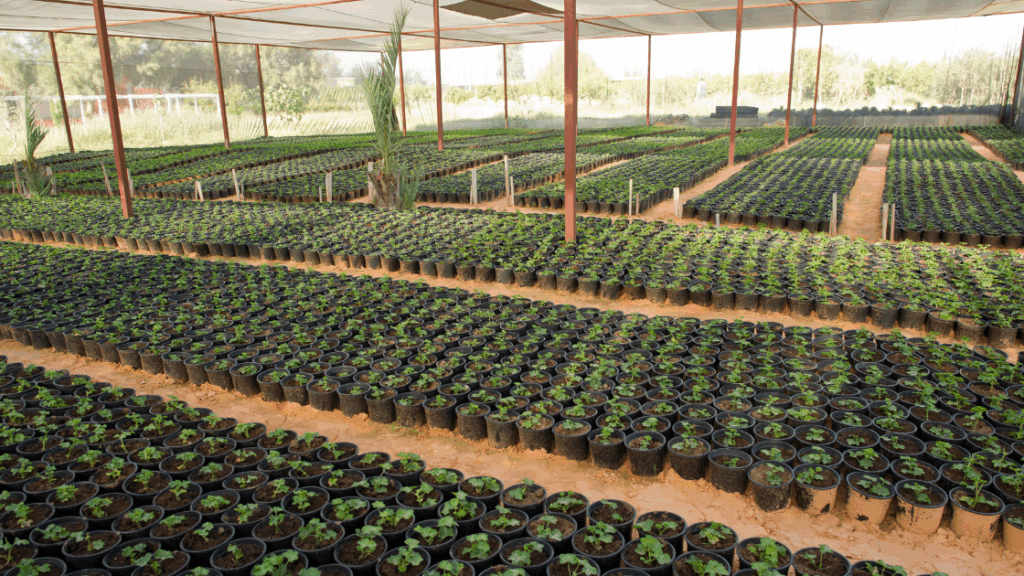
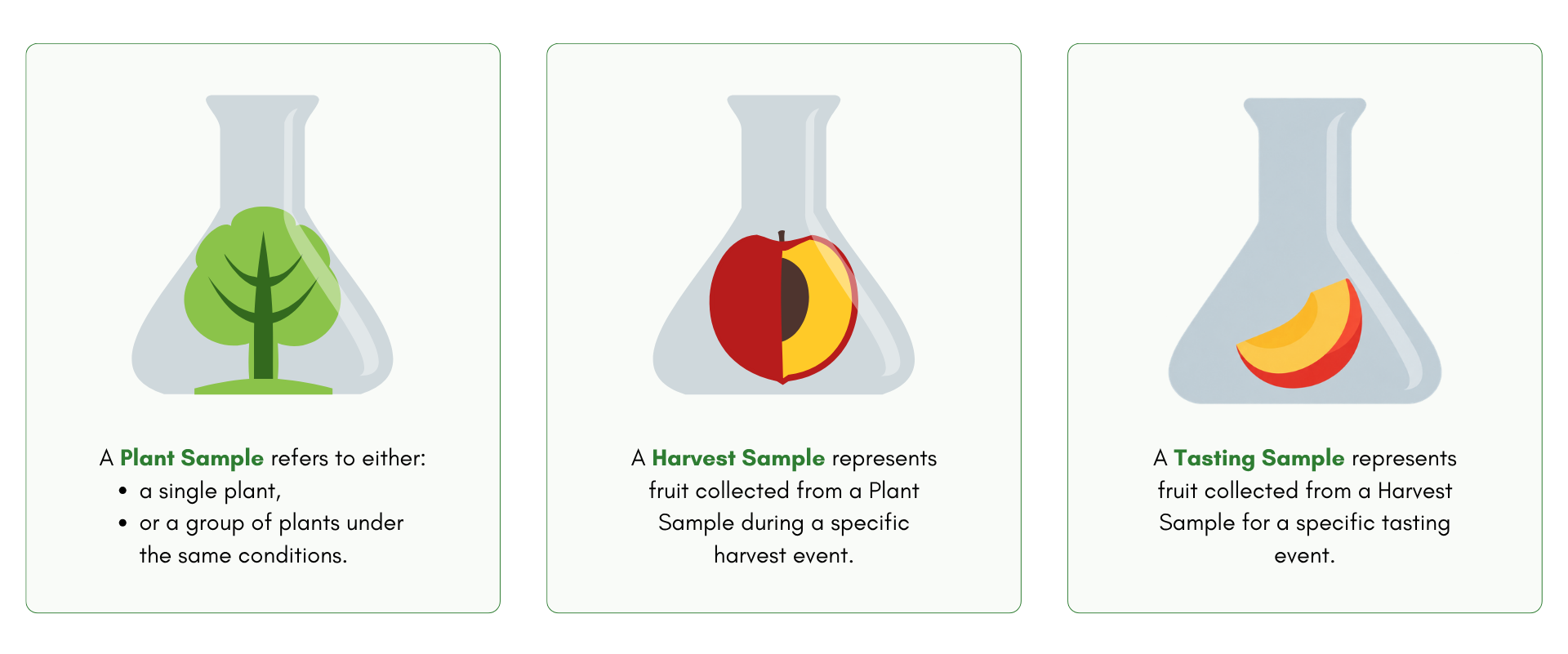
A Plant Sample represents a single plant or a group of plants being evaluated under the same conditions.
For example, imagine you have 10 apple trees of the same cultivar. They were planted on the same date, at the same location and under the same growing conditions.
Rather than registering each tree individually, you could create one Plant Sample representing all 10 trees.
When registering a Plant Sample, you can record information such as its cultivar, rootstock, planting date, location, sample size and planting position.
This creates a record that can be used for ongoing field evaluations throughout the growing season.
2. Harvest Samples
A Harvest Sample represents fruit collected during a specific harvest event.
Harvest Samples can be linked to their original Plant Samples. This creates a connection between observations made in the field and assessments conducted after harvest.
For example, you might evaluate an apple cultivar’s flowering, growth and fruit development throughout the season. Once the fruit is harvested, you can create a Harvest Sample linked to those same trees.
This allows you to assess fruit quality, maturity and post-harvest performance while retaining a connection to the original plant material.
3. Tasting Samples
A Tasting Sample represents fruit selected from a Harvest Sample for a consumer tasting event.
This allows tasting results to remain connected to the harvested fruit and its original plant material.
By linking these three sample types, Culteva™ supports traceability throughout the evaluation process, from field observations to harvest assessments and consumer feedback.
How to register your samples
You can register samples directly through the Culteva™ Web Dashboard.
Navigate to the Samples section and select Add Sample to open the registration form.
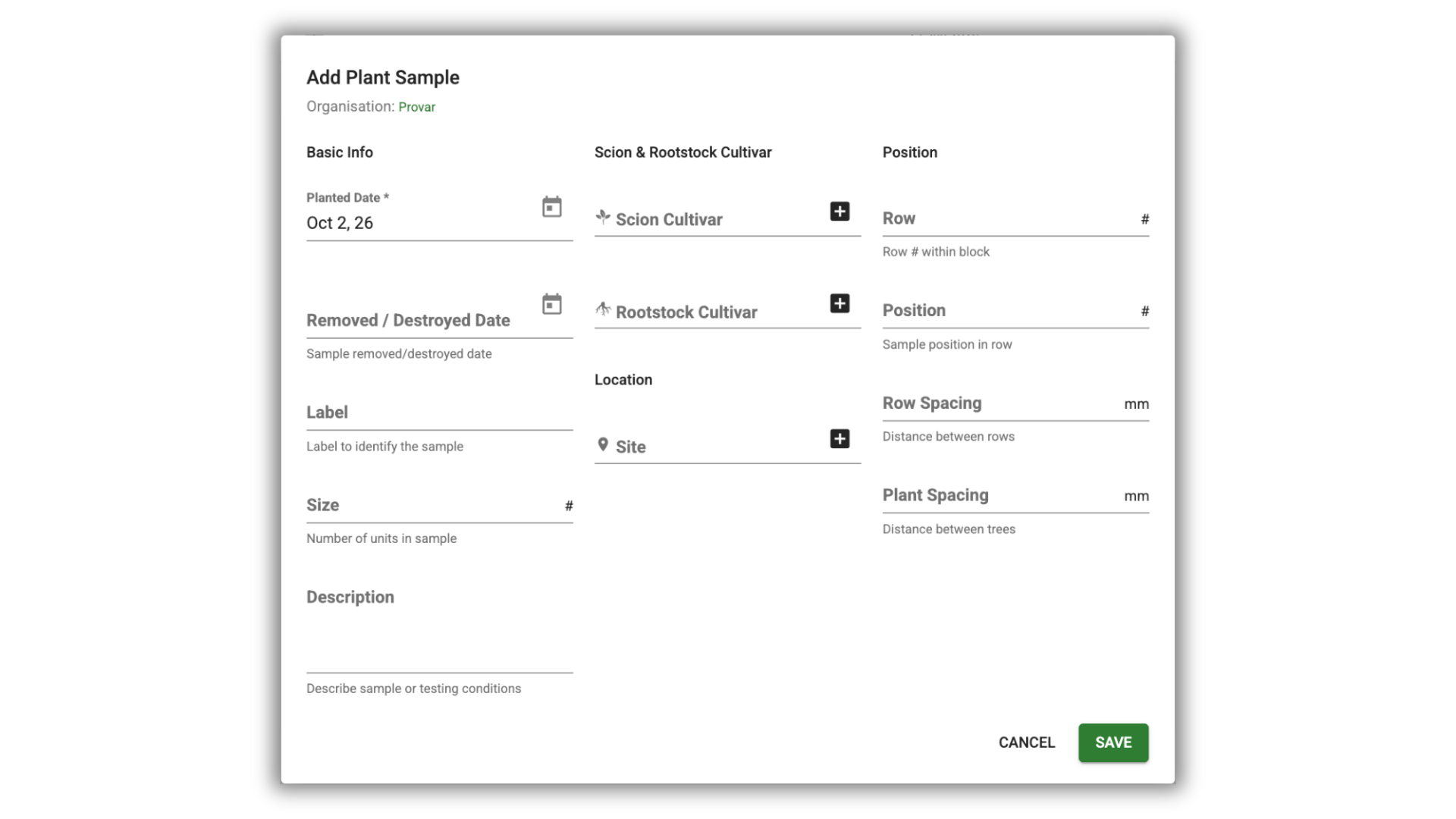
Depending on the sample type, you can enter details such as:
- The relevant cultivar and evaluation site
- Planting or harvest dates
- Sample size and identifying label
- Location, row and planting position
- Additional descriptions or observations
Once you have entered the required information, save your sample. It will then appear in your Sample Index.
Adding multiple samples using Excel
If you are setting up a large evaluation programme, you do not need to register every sample individually.
As with cultivars and sites, samples can be imported in bulk using our Excel templates.
If you already have sample information in a spreadsheet, our team can help organise your existing data into the required format and assist with importing it into Culteva™.
Simply contact our team if you need assistance.
Managing your samples
Once registered, your samples can be managed through the Sample Index in your Dashboard.
You can search and filter samples by criteria such as cultivar, location, crop or sample group. You can also group samples, export information to Excel and update multiple sample records at once.
Culteva™ also allows you to generate printable QR code labels for your samples.
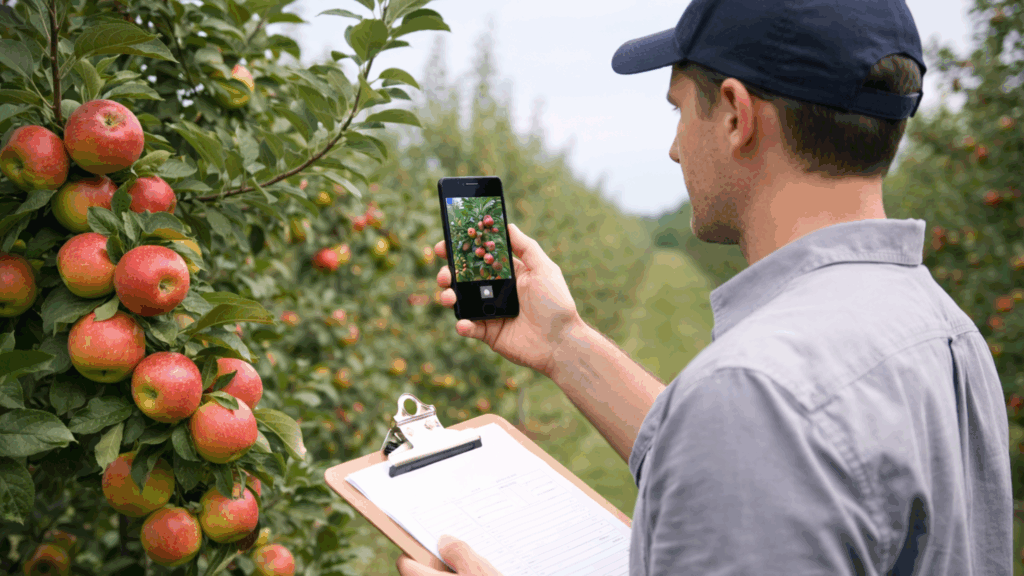
These labels can be placed on plants or sample containers. During evaluations, you can scan them using the Culteva™ mobile application to quickly locate the relevant sample record.
This is particularly useful when working with large numbers of samples in the field or laboratory.
Organising your samples into groups
As your evaluation programme grows, you may want to organise related samples into Sample Groups.
A Sample Group is a collection of registered samples that you want to manage or evaluate together. Each group contains samples of the same type, such as Plant Samples or Harvest Samples.
For example, you could create a group containing all the apple cultivars being evaluated at a particular site. Alternatively, you could group samples by trial, season or evaluation programme.
Why use Sample Groups?
Sample Groups make it easier to:
- Find and manage related samples without searching through your entire Sample Index.
- Apply changes or create evaluations for multiple samples at once.
- Assign specific groups to team members, helping them focus on the samples relevant to their work.
- Control which samples Guest Users can access through the mobile application.
How to create a Sample Group
Navigate to Sample Groups in your Web Dashboard and select Add Group.
Enter a group name, description and sample type. Once created, you can add the relevant samples and assign users who need access.
You can also create groups directly from the Sample Index by selecting multiple samples and using the bulk actions menu.
Sample Groups are optional, but they can make managing larger evaluation programmes significantly easier.
What’s next? Defining your evaluation protocol
With your cultivars, sites and samples registered, you have established the basic structure of your evaluation programme.
The next step is to decide what you want to measure and observe.
In Part 4, we will introduce evaluation protocols and explain how they help standardise data collection across your samples.

Gina is Sales and Marketing Manager at Provar and leads market-facing communication and commercial engagement for the Culteva platform. Her role focuses on positioning Culteva clearly and credibly within the evaluation software landscape, translating product capabilities and evaluation methodology into accessible narratives for industry audiences. Alongside this, she contributes to Provar’s editorial and brand outputs, with a strong emphasis on clarity, consistency and long-term credibility.