Getting Started with Culteva™
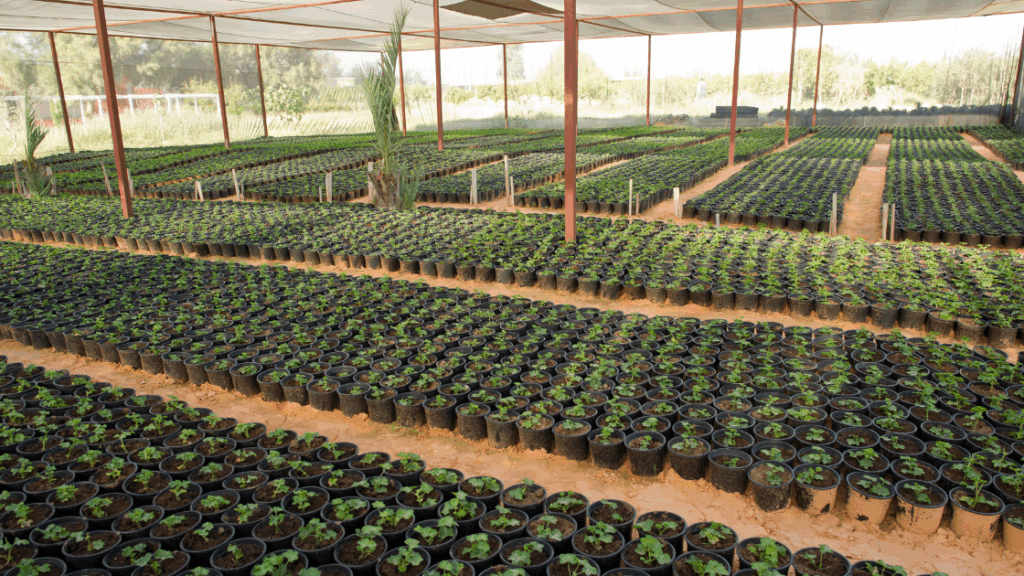
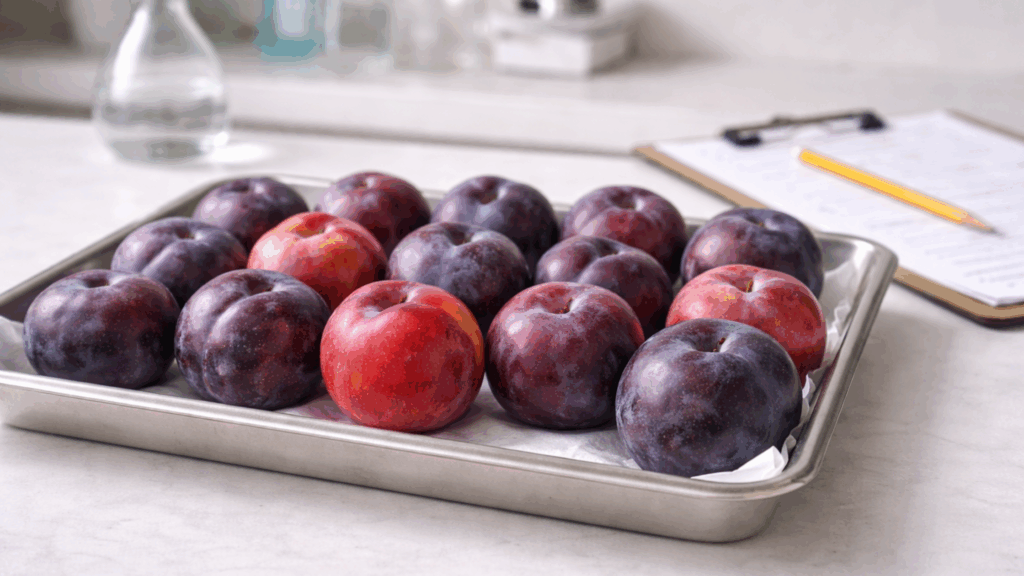
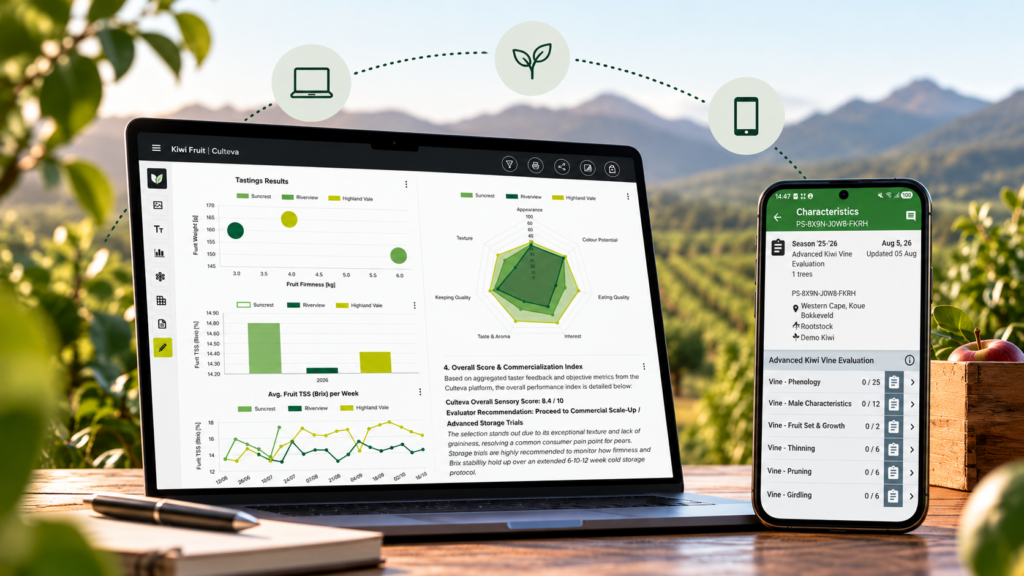
Culteva™ is a digital platform for managing cultivar evaluations, collecting field data and generating reports. It combines a web-based Dashboard with a mobile application, allowing teams to manage evaluations and capture data across different locations.
This guide explains how to access Culteva™ and start using its core features.
1. Accessing Culteva™
To get started, contact our team to request a demonstration or no-obligation free trial.
We will set up your organisation and send you an email invitation. Follow the link in the invitation to activate your account and access the platform.
Once registered, you can sign in at culteva.pro using your account credentials.
2. Using the Web Dashboard
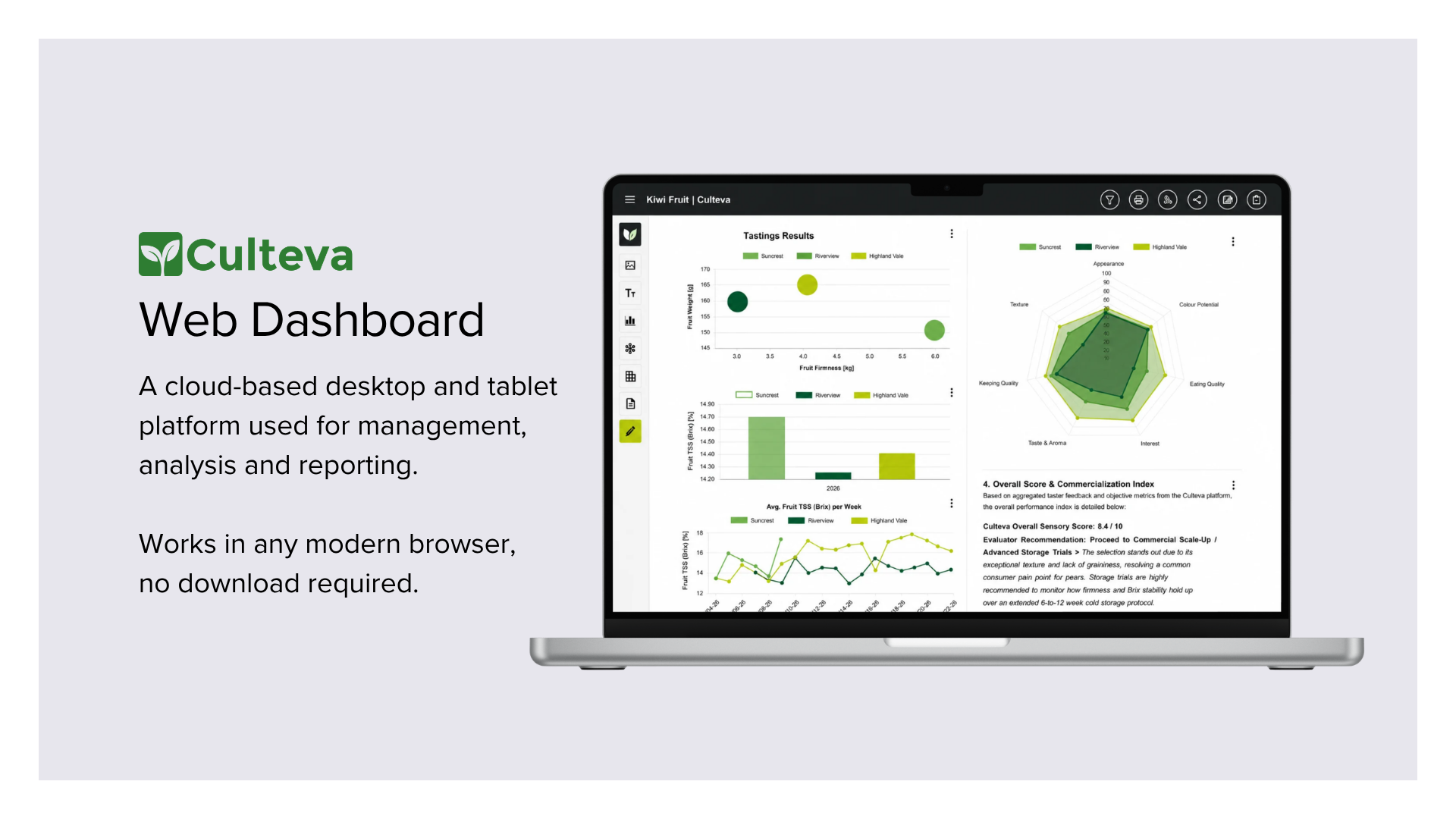
The Culteva™ Dashboard is where you manage your organisation, prepare evaluations and access collected data.
From the Dashboard, you can:
- Manage users and their access permissions
- Register evaluation sites, cultivars, rootstocks and samples
- Create custom evaluation protocols or use existing protocols
- Generate QR codes for sample identification
- Organise samples into evaluation groups
- Generate, view and share evaluation reports
The Dashboard works best on a desktop or laptop computer. We recommend using the latest version of Google Chrome, Safari or Firefox.
3. Using the Mobile Application
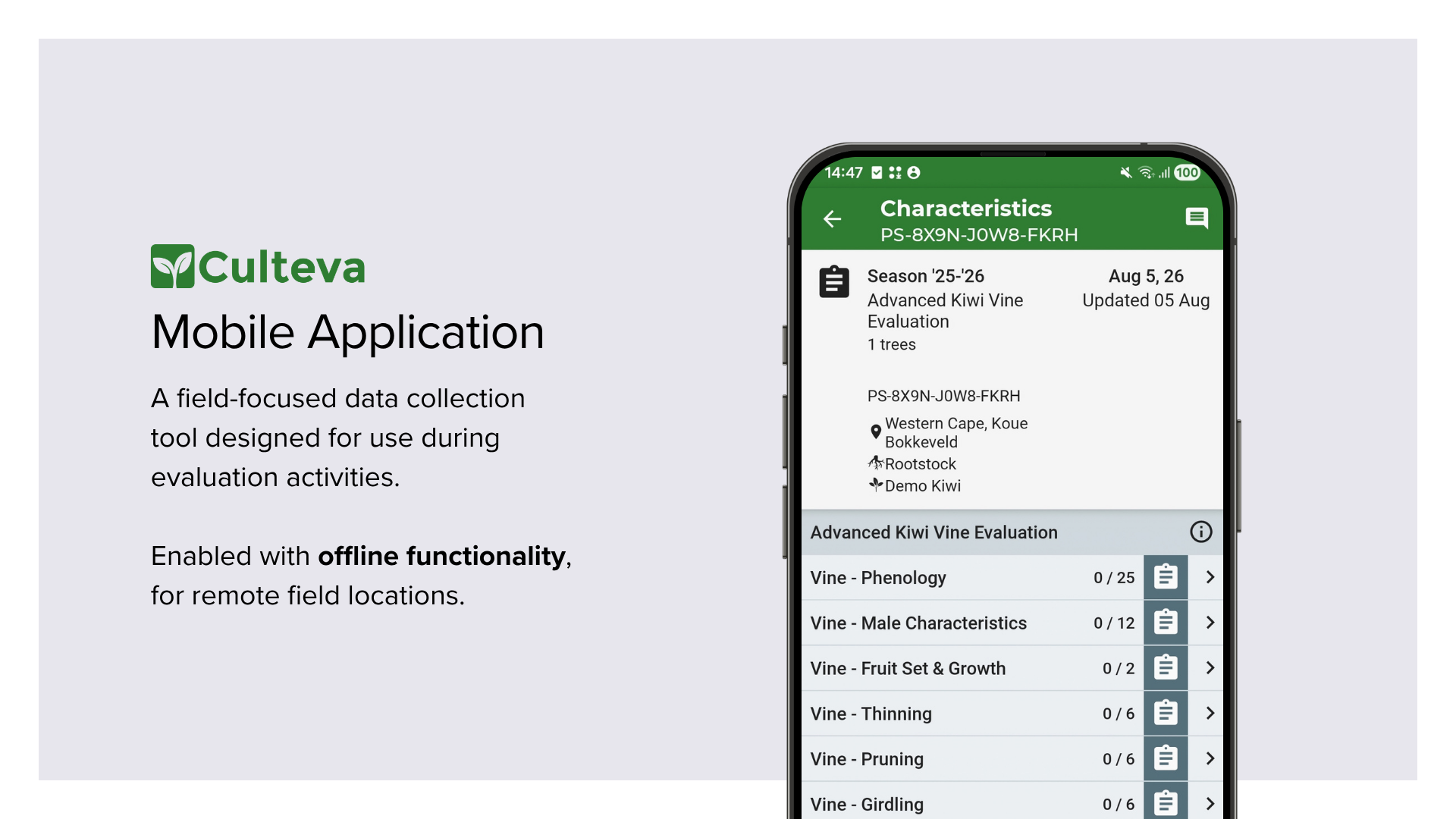
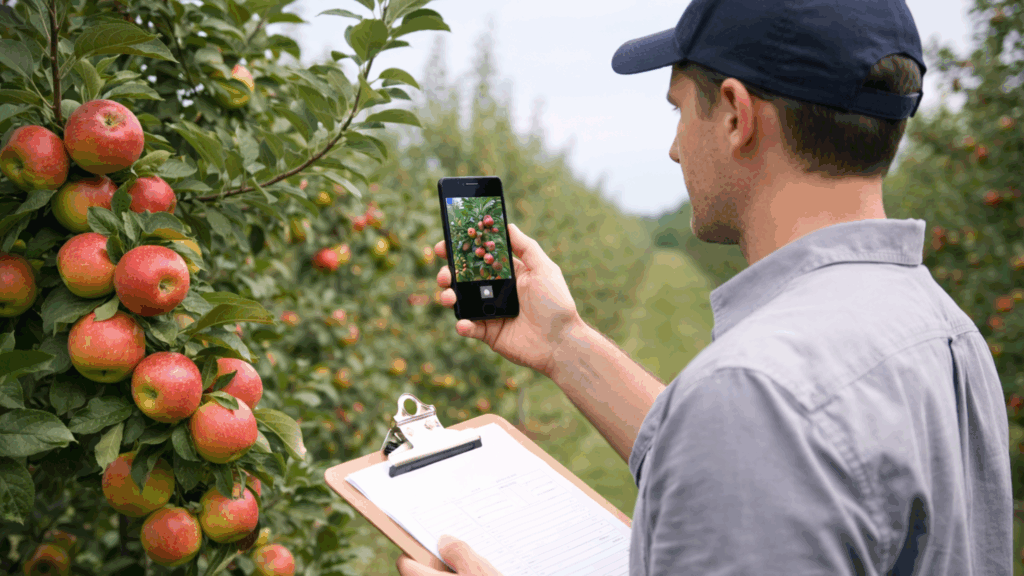
The Culteva™ Evaluations App is designed for collecting data in the field or laboratory, including when an internet connection is unavailable.
To get started:
- Download the Culteva™ Evaluations App from the Google Play Store on your Android device.
- Sign in using the same credentials as the Web Dashboard.
- Select Sync Now to download your organisation’s evaluation information.
- You can now begin recording measurements, observations, photographs and notes.
The mobile application also supports sample searches and QR code scanning, making it easier to locate and evaluate individual samples.
Working offline and synchronising data
Culteva™ allows you to continue collecting evaluation data without an internet connection.
When you reconnect, select Sync Now to upload your recorded data, photographs and notes. Your synchronised evaluations will then be available through the Web Dashboard for review and reporting.
Need assistance?
If you need help accessing your account or getting started, contact us via our support page.
Frequently Asked Questions

Miaan is the Product Manager for the Culteva platform. He translates technical evaluation workflows and user feedback into well-specified, reliable software delivery. By collaborating closely with evaluators, developers and scientific leaders, he ensures that the production direction is implemented effectively to release a stable, transparent and purpose-built product. His role sits at the intersection of user behaviour and market demands, technical feasibility and scientific integrity.